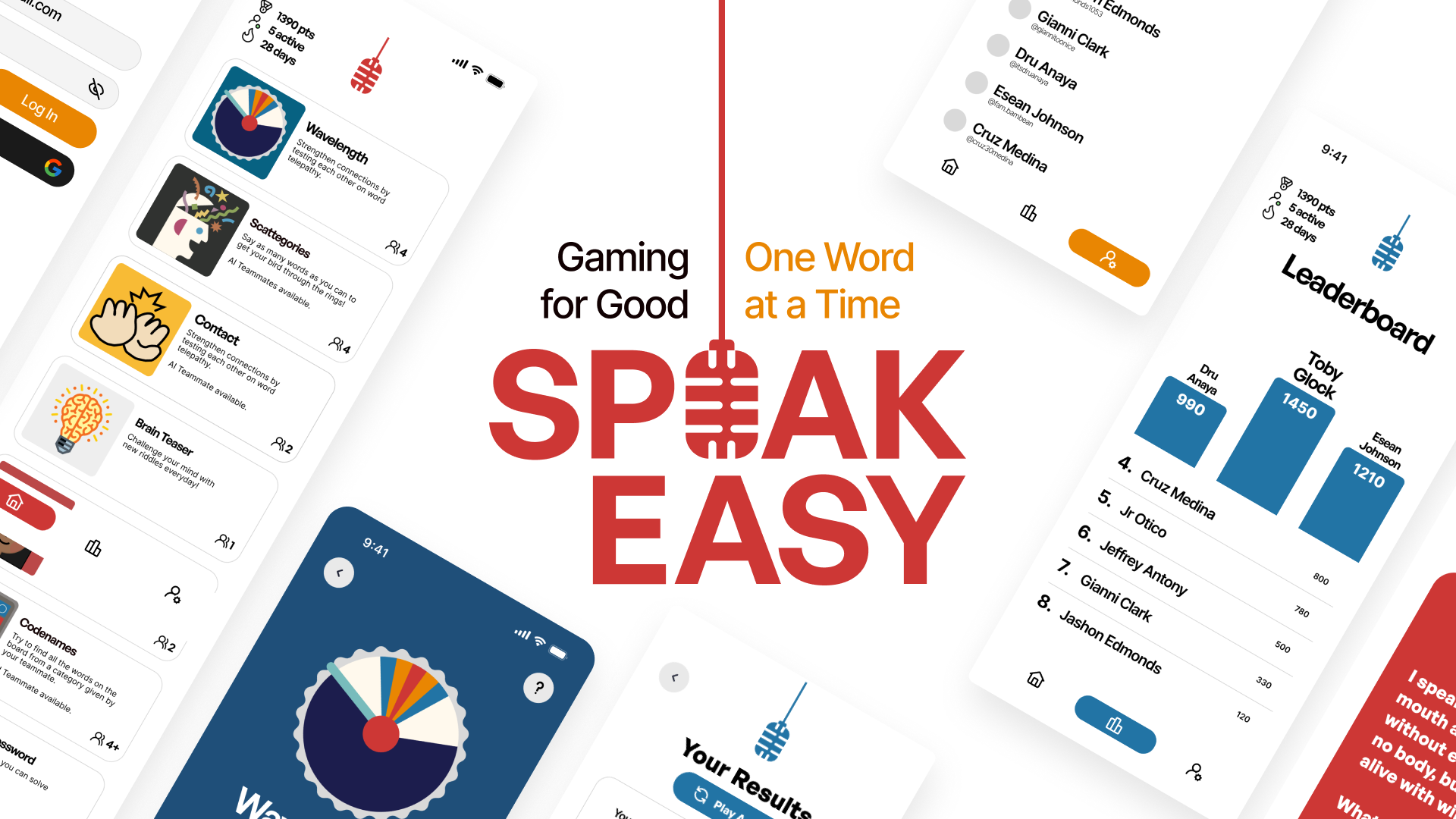
Context
Over 70 million people stutter globally, yet most speech technologies fail to serve them, because they’re trained only on fluent speech.
Current speech technologies, such as automated phone menus or computer-generated captions, often fail to work well for people who stutter due to training on fluent speech. To make these speech technologies more responsive and accessible for people who stutter, it is important to collect more diverse stuttered speech data to improve these technologies.
Challenge
Design a mobile app that empowers individuals who stutter to practice speaking confidently in a supportive and low-pressure environment. The app should also encourage voluntary data contribution for more inclusive AI speech technologies, with a focus on user consent, transparency, and clarity around dataset use. You may incorporate elements like gamification, progress tracking, or personalized goals to make the experience engaging and user-driven.
How can we empower individuals who stutter to practice speaking confidently in a supportive environment while contributing to more inclusive speech recognition technologies?
User Research
To set the stage for our work, we interviewed several students and individuals who stutter, refined our objectives based on their feedback, and distilled our findings into these three key insights.
01.
People felt lost in their practice without personalized goals or progress checkpoints, so it was tough to stay on track.
02.
Standard ASR kept choking on disfluent or stuttered speech, effectively leaving those voices out of the AI dependent technology.
03.
Users struggle to find speech practice that’s both engaging and motivating.
Solution
With the insights in hand, we knew what to do, create a gamified mobile app that makes practice low-pressure and engaging for folks who stutter. Hello, SpeakEasy!
Based on our research, we defined a primary user persona that reflect our target users’ pain points, goals, and requirements.

Aspiring Broadcaster Daniel
Daniel is a 19-year-old college student in Santa Cruz who loves public speaking and dreams of becoming a broadcast journalist. His stutter makes class and group speaking nerve-wracking, so he’s looking for low-pressure, encouraging practice.
- Build speaking confidence through daily, low-stakes practice.
- Set personal speaking goals and track progress over time.
- Join a community that supports speech diversity and AI fairness.
- Automated phone systems rarely understand him, and don’t offer convenient re-records or edits.
- Most speech apps don’t offer personalized guidance, just generic suggestions.
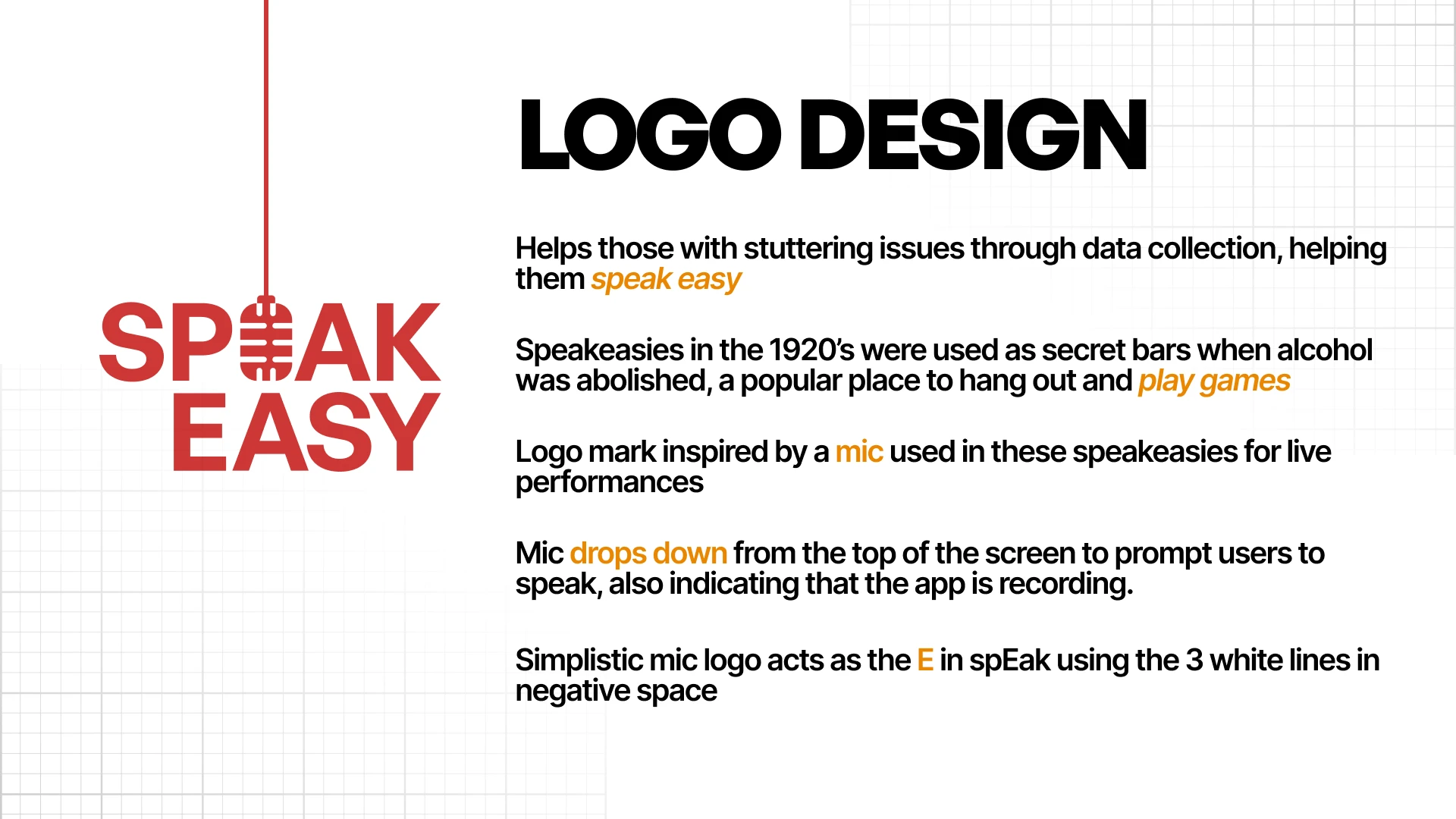
Once we aligned on the focus, we mapped a clear information architecture, defined the key design and logo elements, and moved straight into execution under a tight deadline.
Iteration
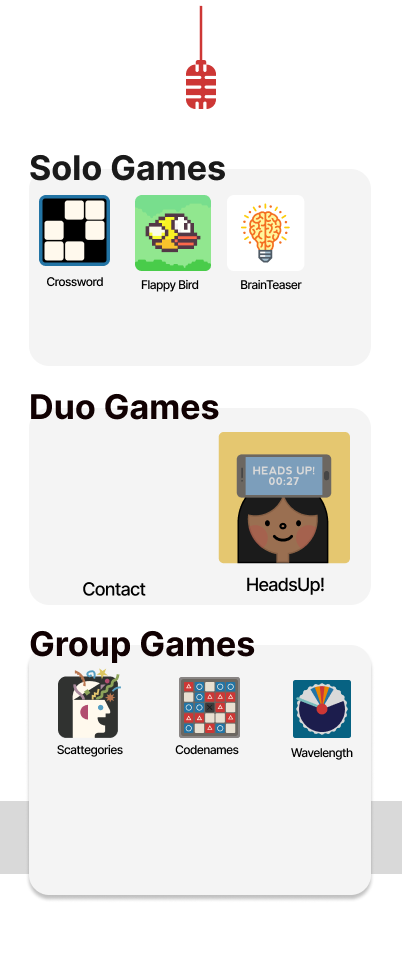
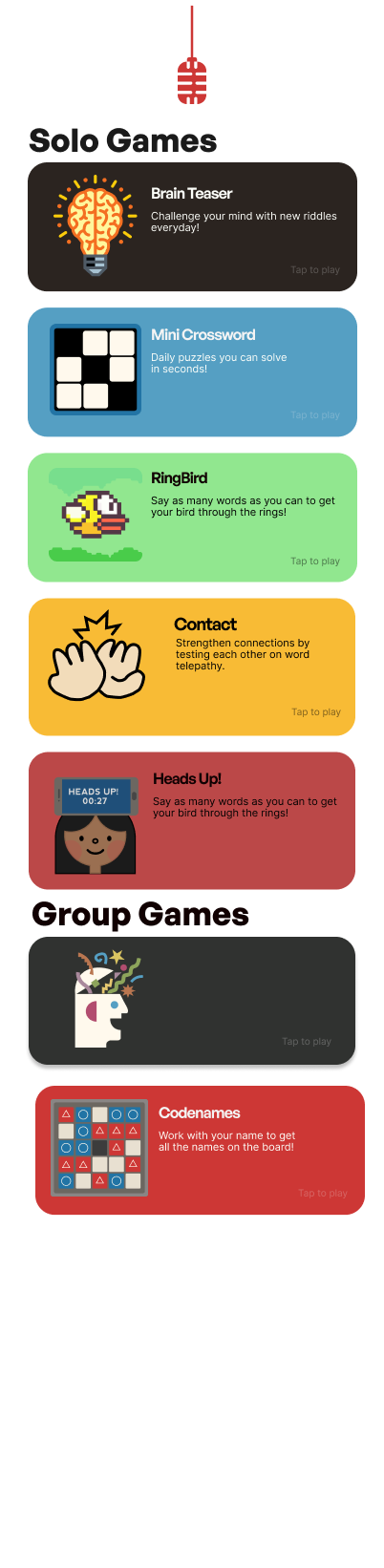
Given the compressed timeline, we moved directly from whiteboard wireframes to mid and high-fidelity prototypes. We iterated a lot, retiring plenty of versions, and arrived at a robust UI for the final push, enhanced with engaging artwork and fluid animations.
HOME V1
HOME V2
HOME V3
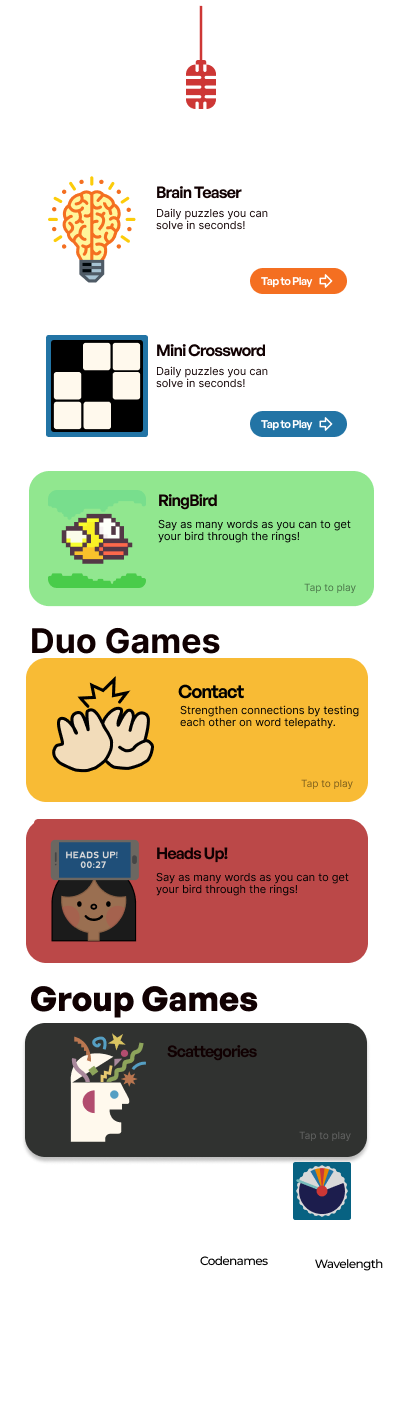
FINAL HOME
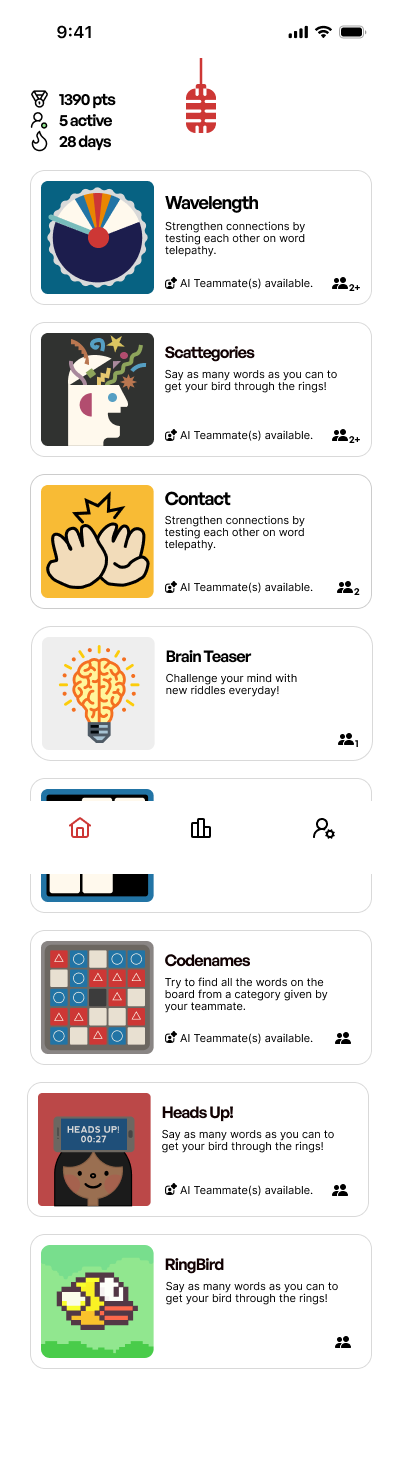
The dashboard was one example of the several iterations we did throughout the design sprint. As the primary entry point, the dashboard received the most refinement to achieve the ideal balance of clarity and engagement.
Final Designs
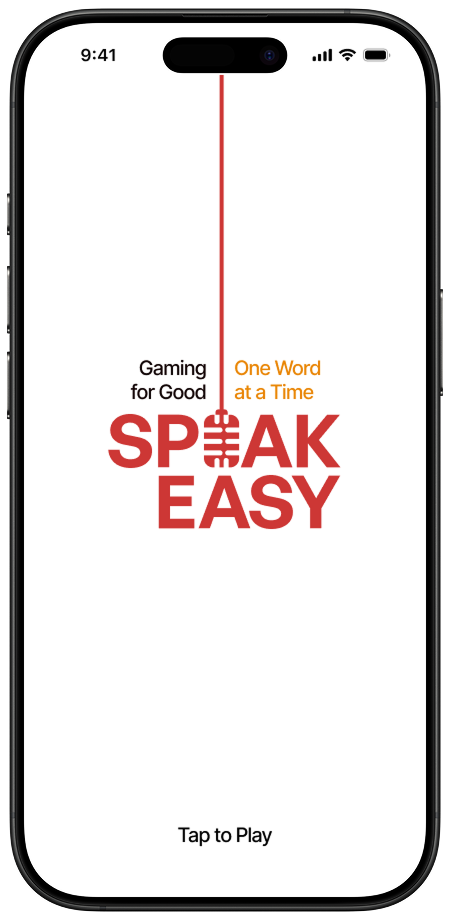
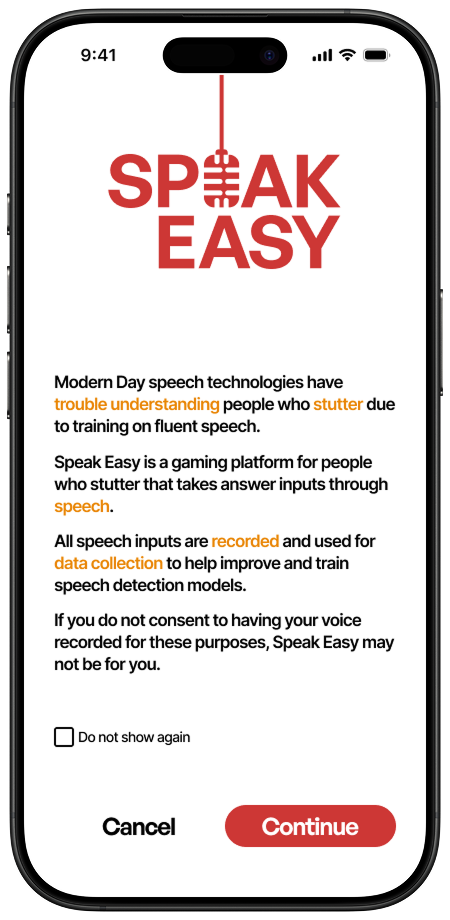
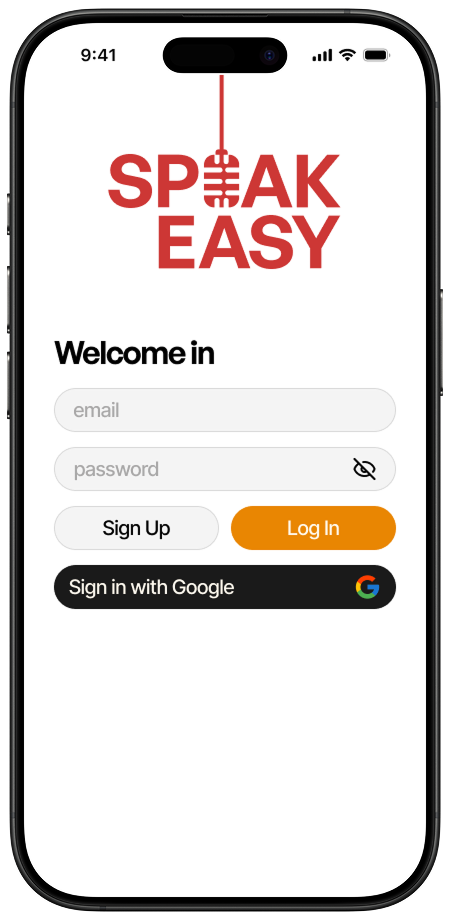
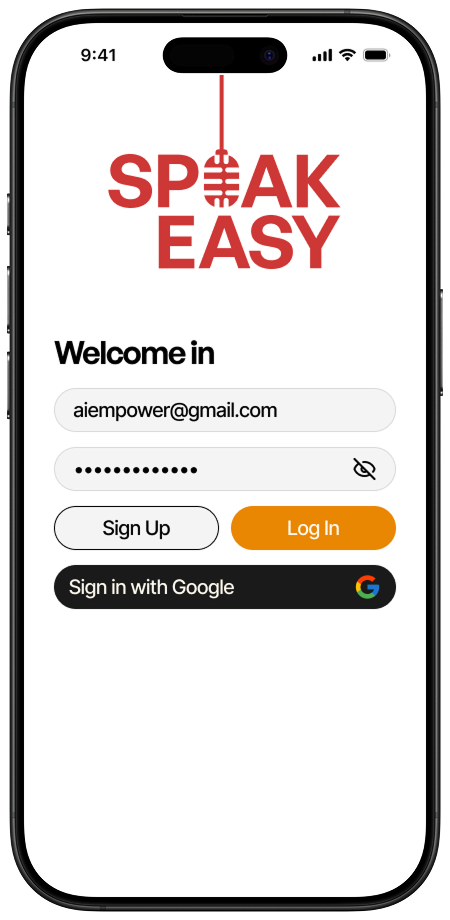
Login Screen with Transparency
We ensured users knew precisely where their data was going and how their voice recordings would be used. Based on interviews, transparency emerged as the key expectation, so we treated it as a non-negotiable top priority.

CORE FRAMES

During interviews, we asked participants about their go-to games, and these four came up again and again. We chose them because (1) they’re universally familiar, so the learning curve is minimal, and (2) they’re word-based without heavy chatter, so players can warm up without feeling overloaded.
Individual Game Designs
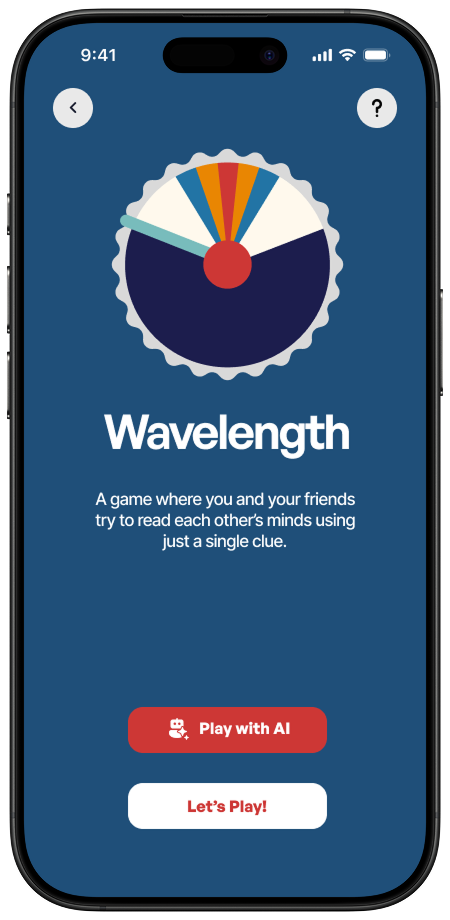
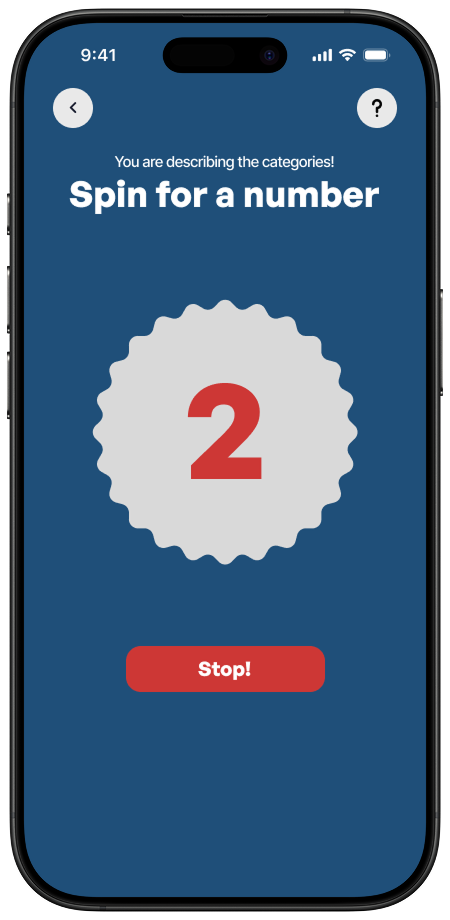
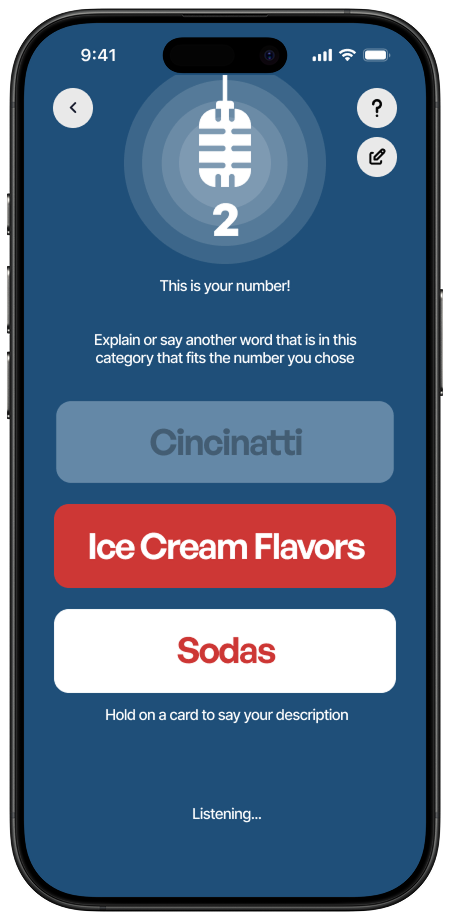
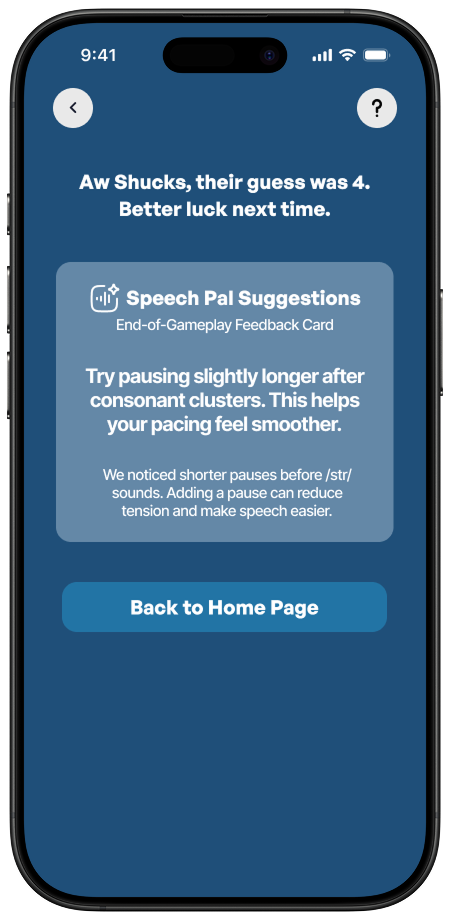
Game 1: Wavelength
I love Wavelength, it’s my go-to road-trip game, so getting to design it was a treat. I built the flow with smooth transitions between each guess and recording, and made the UI snap to edits in real time. I also prioritized SpeechPal at the end, our AI that gives players personalized pointers on what to watch for, so we can improve accessibility in our speech tech while supporting players’ speech goals.

CORE FRAMES

Game 2: Scattegories
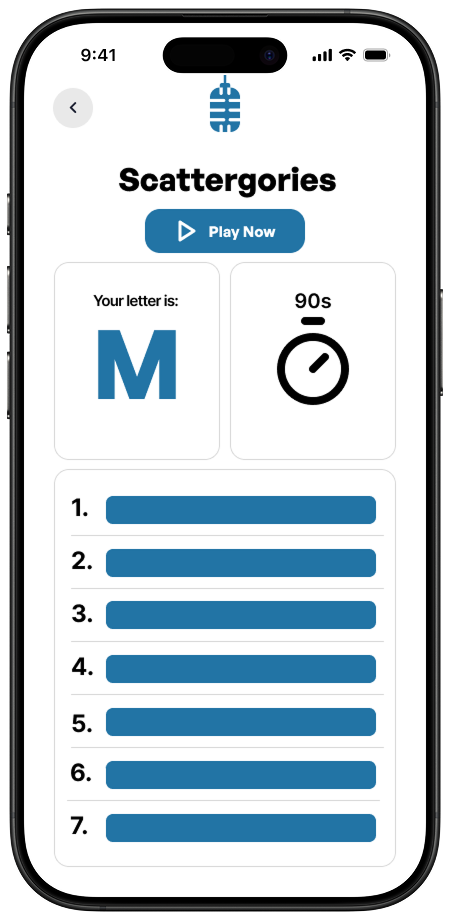
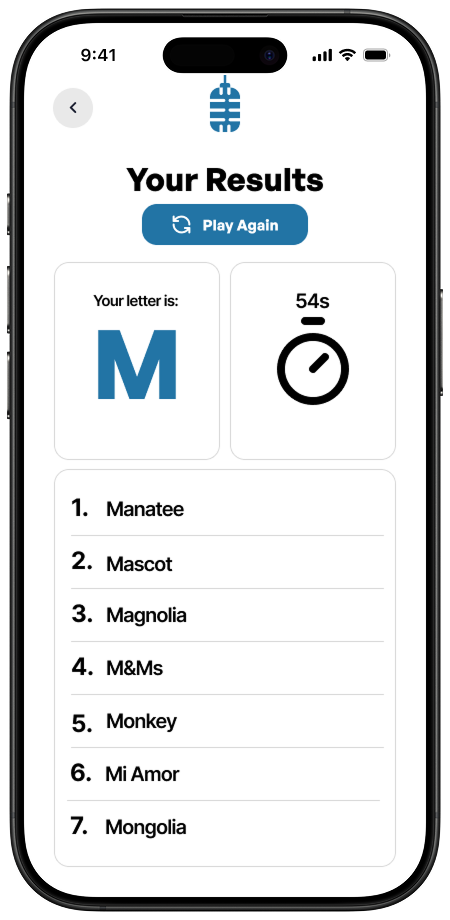
Next up: Scattergories. We kept the UI deliberately minimal so players could lock in on the timer and their word list. After each round, SpeechPal delivers a quick debrief of a few things: what it noticed, where you nailed it, and a couple of easy wins for next time, if applicable.

CORE FRAMES

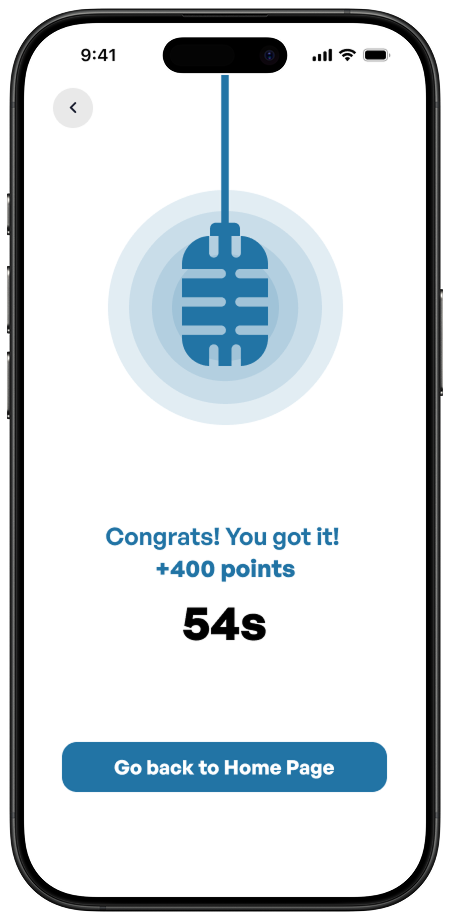
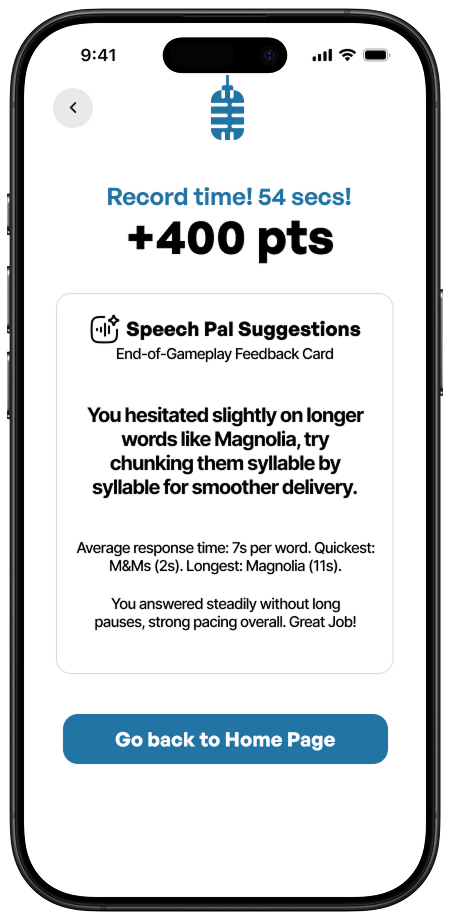
Game 3: Contact!
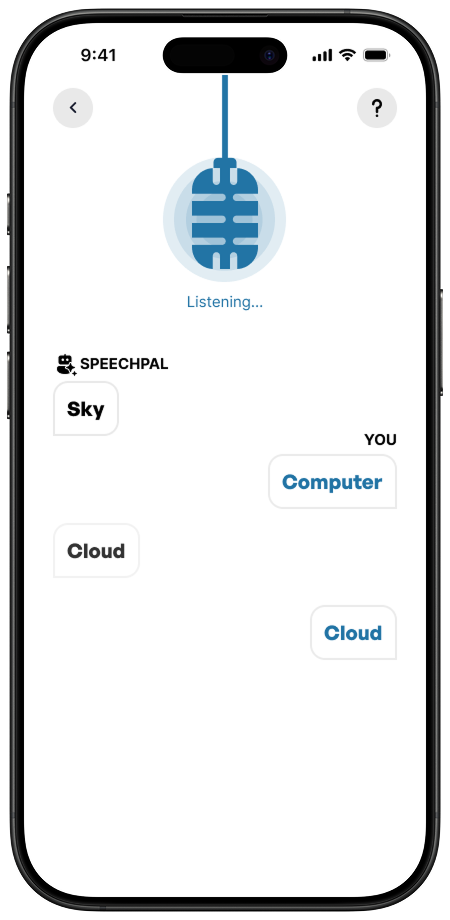
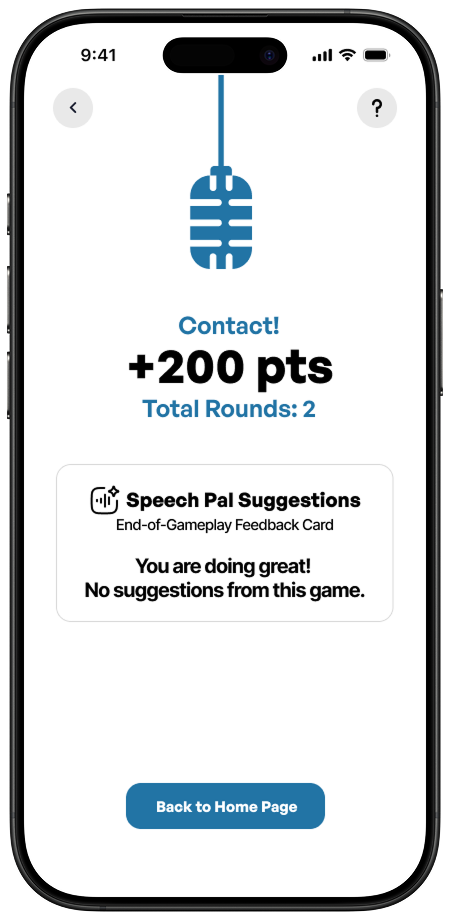
We built Contact for flow: a clean countdown, a mic cue, and instant transitions from guess to result. Sync on the same word to score, miss, and you can adjust and try again without breaking rhythm. Post-round, SpeechPal offers pointers, clarity, pacing, and filler usage, to keep progress steady and accessible.

CORE FRAMES

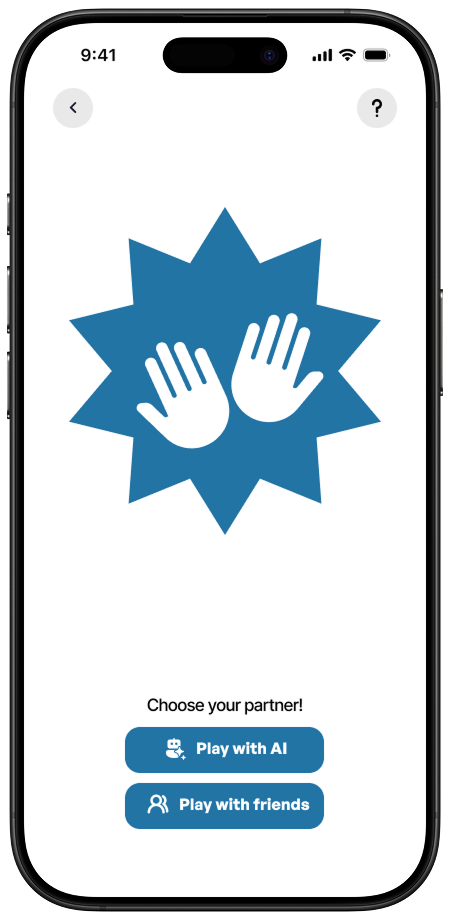
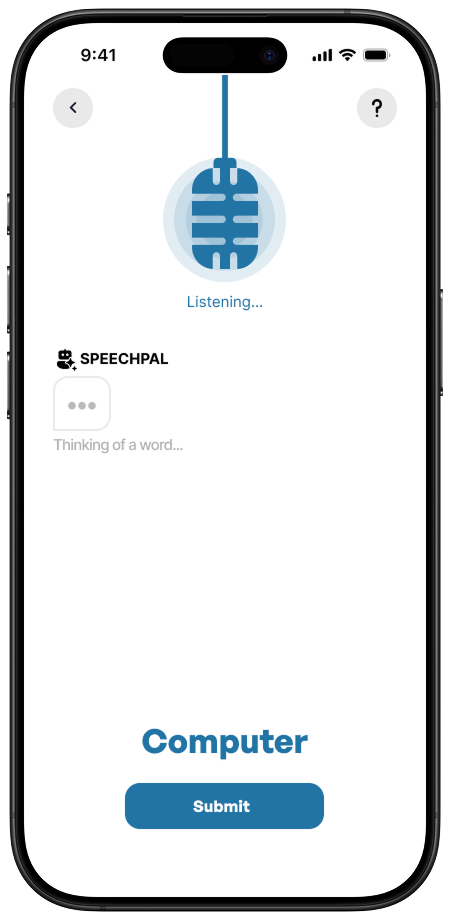
Game 4: Brainteaser
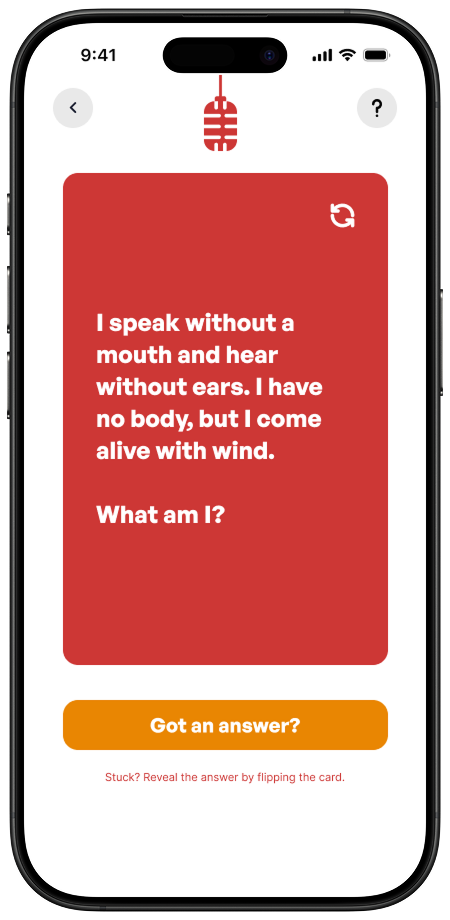
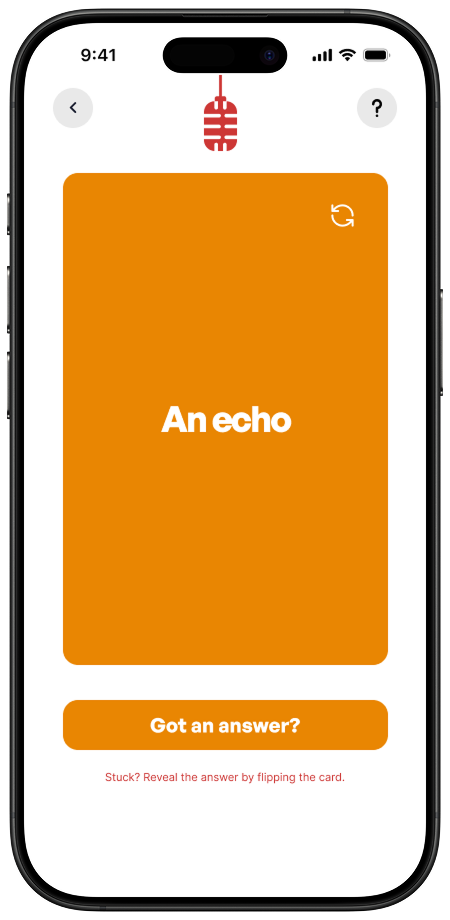
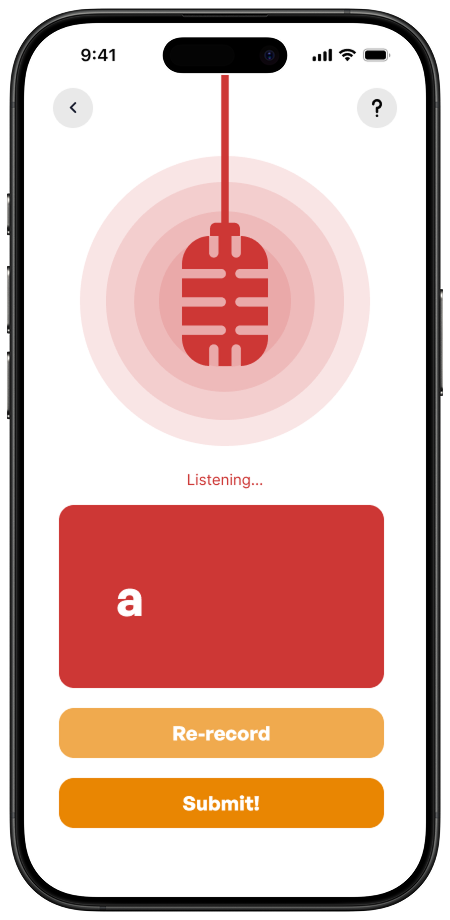
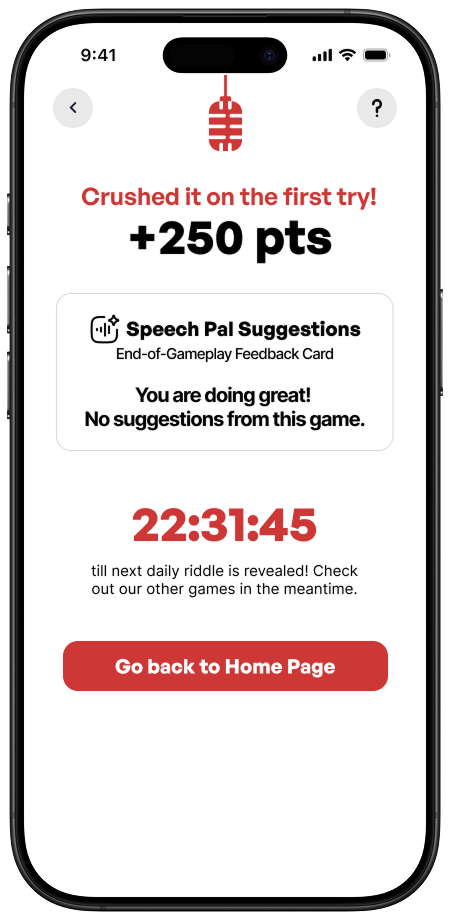
Brainteaser gives players a fun way to exercise both their brain and their speech through daily riddles. Players can solve each riddle by speaking into the mic, with the option to re-record their answer or flip the card for a hint when they’re stuck. A new riddle unlocks each day, encouraging players to come back and keep practicing. SpeechPal also offers helpful tips and tricks along the way when applicable.

CORE FRAMES

Reflections
Winning second place was definitely a plus, but what really stuck with me from this experience was just how quickly our team clicked. It was the first time I’d ever worked with this group, but from the jump, ideas were always flying around, every single person brought something brilliant to the table. I remember thinking, “Yep, these are my people. I want to do every designathon with them from now on.”
Key Takeaways
- Prioritize fuller speech samples (phrases and sentences, not just single words) to help the models learn faster. Add game modes that prompt longer responses (mini-stories, sentence chains, guided prompts).
- Tune SpeechPal’s feedback for longer utterances: pacing, prosody, and filler-word patterns.
- Update scoring to reward clarity and complexity, not just speed or accuracy.
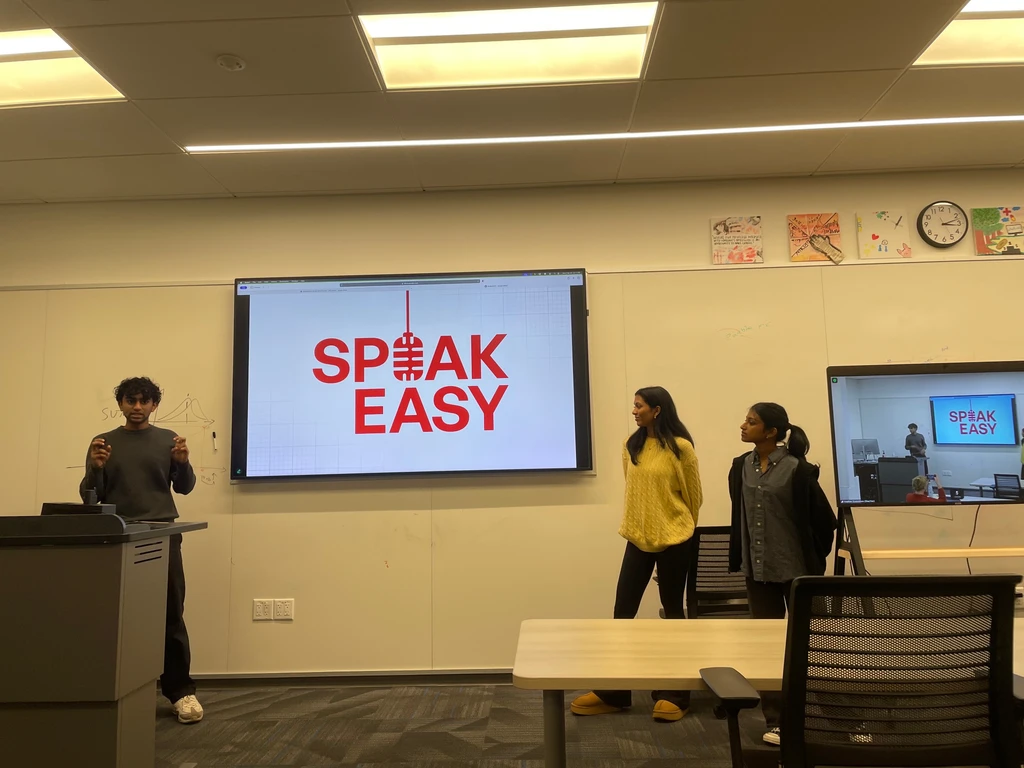
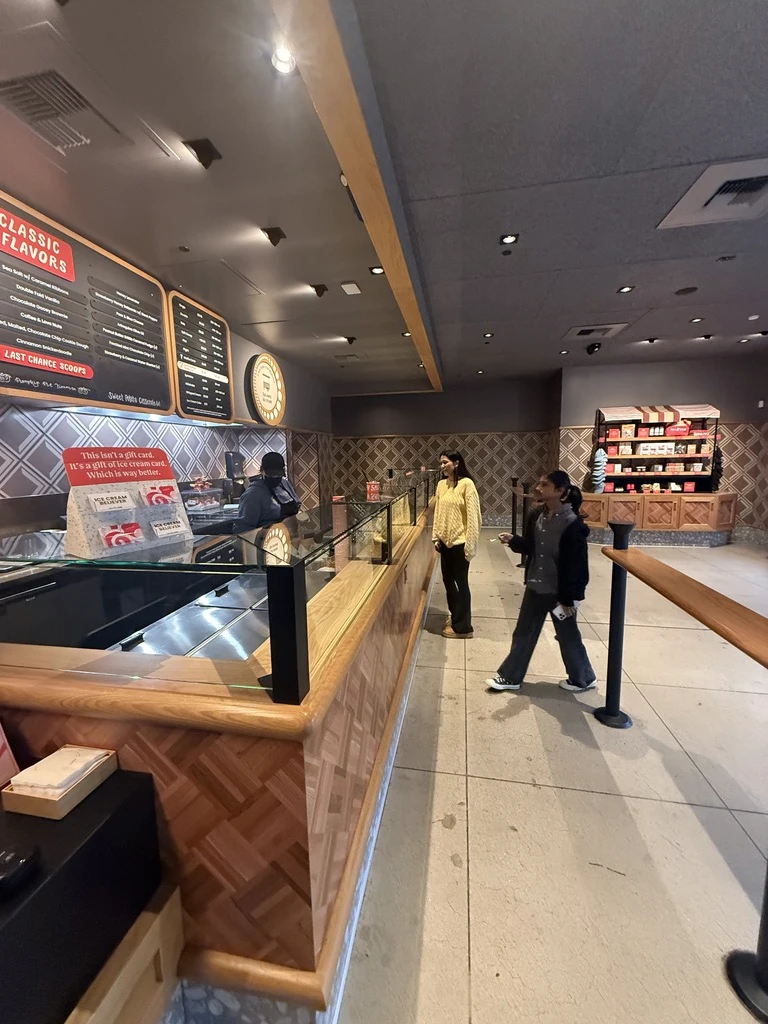
We pitched our designs to the judges, my first live presentation, and I actually loved it. Sharing the work was energizing, and the other teams’ spins were great to watch. Post-win treat: Salt & Straw. 🍦
